 Branding
 Web Design
 Social Media
 Studio Partner
In short: a website loses customers when it’s not clear within a few seconds what you offer, when it’s awkward to use on a mobile, when it’s slow to load, when it doesn’t tell people what to do next or when it no longer looks like your business. If you recognise two or more of these signs, a new website usually pays off more than sticking with the old one.
Hardly any business thinks about changing its website until something breaks. The problem is that a website can work perfectly well on a technical level and still be losing customers every day. Nobody rings to tell you your website didn’t convince them. They just close the tab and contact someone else.
These are the signs we see most when a business asks us to review its website, and how to check each one without any technical knowledge.
Eight signs your website is costing you customers
1. It’s not clear what you do within five seconds
Show your home page to someone who doesn’t know your business for five seconds and ask them what you offer. If they hesitate, your website is making your customers hesitate too. The main headline has to say what you do and who it’s for, without slogans that leave people guessing.
2. It’s awkward on a mobile
A large share of visits, often most of them, come from mobiles. If people have to zoom in to read, the buttons are too close together or the menu is hard to find, that visitor won’t make the effort. Try requesting information or making a booking from your own phone, from start to finish.
3. It’s slow to load
Every second of waiting is a chance for the visitor to leave. You can measure it for free with Google’s PageSpeed Insights: look above all at the mobile score. Oversized images, bloated templates and plugins nobody uses are usually to blame.
4. It doesn’t tell visitors what to do
A website that converts guides the visitor: call, ask for a quote, book, send a WhatsApp message. If your contact details are hidden in the footer or behind a ten-field form, you’re putting obstacles in the way just when the customer was ready to talk to you.
5. It no longer looks like your business
Businesses change: new services, a different kind of customer, a refreshed image. If your website still shows photos from years ago, services you no longer offer or a design that doesn’t live up to what you charge, it’s telling a story that’s no longer yours.
6. You can’t update it yourself
If changing a line of text or a photo depends on a supplier who takes weeks to reply, the website ends up out of date. A well-built website should let you edit the everyday things without any technical knowledge.
7. You don’t show up on Google when people search for you
Search for what you do plus your town, for example ‘rural hotel in Mallorca’ or ‘architect in Palma’. If your website doesn’t appear and your competitors’ does, there’s a structural, content or technical problem that can be fixed.
8. You’re reluctant to send it
It’s the simplest sign and the most honest one. If you hesitate before sending your website when a customer asks for it, or you suggest they look at your Instagram instead, you already know the answer.
How to check in ten minutes
| What to check | How to do it | Warning sign |
|---|---|---|
| Clarity | Show the home page to an outsider for five seconds. | They can’t say what you offer. |
| Mobile | Request information or make a booking from your phone. | You have to zoom in or the process gets stuck. |
| Speed | Test the website in PageSpeed Insights. | A low mobile score. |
| Contact | Look for how to get in touch from any page. | You have to scroll down to the footer or fill in a long form. |
| Search for your service plus your town. | Your competitors appear and you don’t. |
A real case: Ynaira
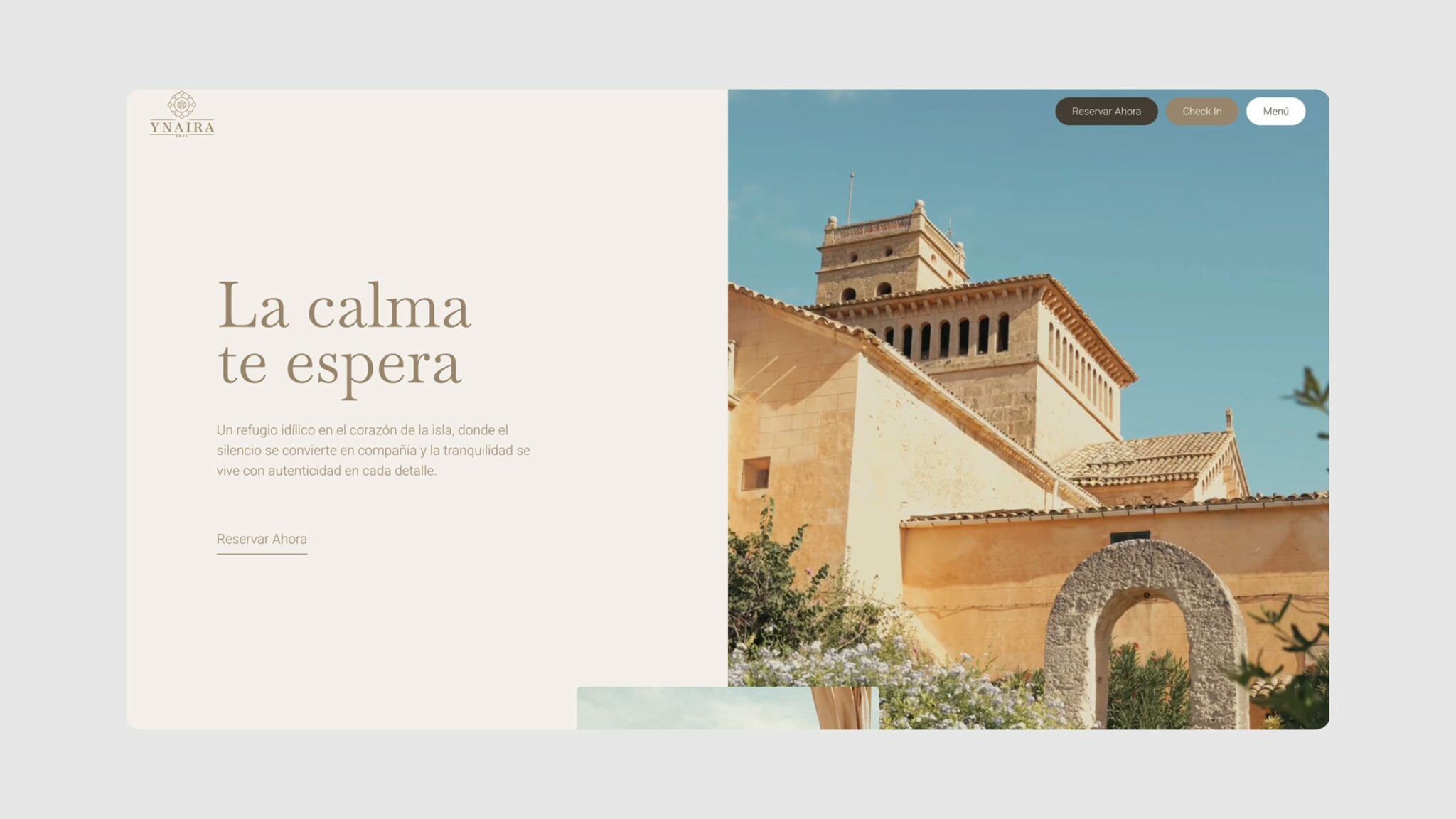
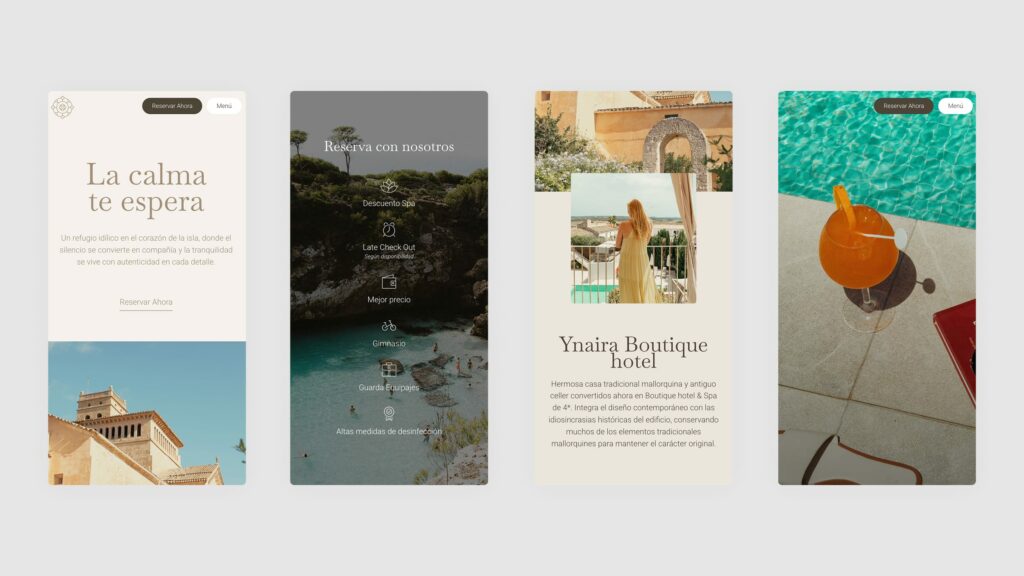
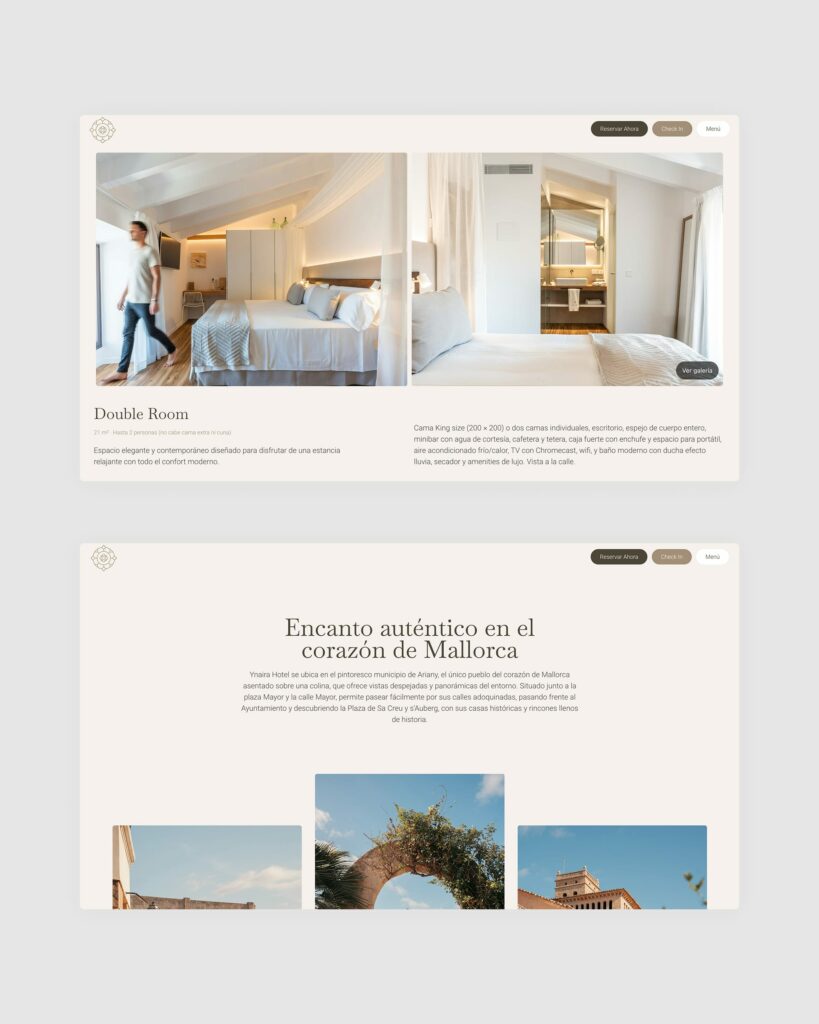
Ynaira is a four-star boutique hotel in Ariany, set in a traditional Mallorcan house and a former wine cellar. For a hotel like this, the website is both shop window and reception: it’s where travellers decide whether to book or open another tab.
The challenge was for the website to convey the same feeling you get on arrival: the warmth and character of a very special corner of Mallorca. We designed and built a new website with that aim, making sure the key information and the booking option were always to hand, on mobile too. Since launch, the website converts better than the old one.
It’s not just about having a website. It’s about having one that represents your business and helps you win customers.
Àncar Studio
Redesign or start from scratch?
You don’t always have to throw everything out. If the structure works and the problem is the look or the speed, a redesign may be enough. If the website no longer reflects what the business sells, or the technical foundations are so outdated that every change is a headache, starting from scratch usually pays off.
Either way, there’s one thing you can’t neglect: the pages that bring you visits from Google today. Before changing anything, it’s worth knowing which ones they are, keeping their content or redirecting them properly, so the new website doesn’t lose what the old one had already earned.
What to prepare before you redo your website
What drags a web project out is almost never the design, but waiting for the copy and photos. Having this thought through in advance saves weeks:
- The goal: what the website has to achieve (enquiries, bookings, sales) and how you’ll measure it.
- Current data: which pages get the most visits and where visitors come from.
- Copy and photos: what can be reused and what needs to be produced from scratch.
- References: two or three websites you like, and why.
- Logins: domain, hosting and tools such as Google Analytics or Search Console.
Frequently asked questions
How long does it take to redo a website?
Usually between 3 and 6 weeks. It depends mainly on the scope and on how quickly the copy and images are ready, which is why we set a schedule before we start.
Will I lose my Google rankings if I change my website?
Not necessarily, if the change is handled carefully: keeping what already works, properly redirecting the old addresses and checking the technical foundations before going live. Problems arise when everything is changed without looking at what was bringing in visits.
Will I be able to update it myself?
You should. A business website has to let you change text, images or projects without any technical knowledge. If you’d rather not, the studio can always take care of it.
How often should you redo a website?
There’s no set number. Rather than the website’s age, what matters is whether it still does its job: whether it’s clear, whether it works well on a mobile, whether it loads quickly and whether it looks like the business you are today.
At Àncar we design and build bespoke websites from Palma de Mallorca, created to help your business win customers. If your website shows any of these signs, take a look at our web design in Mallorca service or tell us about your project.


